

Introduction
The logic board is often considered the heart of a MacBook. It contains critical components responsible for processing data, managing power distribution, controlling communication between hardware components, and ensuring the overall functionality of the device. When a logic board develops a fault, a MacBook may experience a wide range of issues, from random shutdowns to complete failure to power on.
Understanding the causes, symptoms, and repair options associated with logic board damage can help users make informed decisions about repairing or replacing their devices. Independent repair specialists such as Apple Expert have contributed to making logic board repair a viable alternative to full board replacement, helping extend the lifespan of Apple devices.
What Is a MacBook Logic Board?
A MacBook logic board serves as the central circuit board that connects and controls major hardware components, including:
- Processor (CPU)
- Memory (RAM)
- Graphics components
- Power management circuits
- Storage controllers
- Wireless communication modules
Unlike many traditional laptops, modern MacBooks integrate numerous components directly onto the logic board, making it one of the most important and complex parts of the device.
Common Causes of Logic Board Failure
Liquid Damage
Liquid spills are among the most common causes of logic board damage. Water, coffee, soda, and other liquids can create short circuits that affect delicate electronic components.
Even if a MacBook continues to operate after a spill, corrosion may gradually develop and cause problems weeks or months later.
Power Surges
Electrical surges resulting from faulty chargers, damaged power adapters, or unstable electrical systems can damage power management circuits on the logic board.
Overheating
Excessive heat can accelerate component wear and potentially damage solder joints and integrated circuits over time. Dust buildup, blocked vents, and failing cooling systems may contribute to overheating.
Physical Impact
Drops and impacts can crack solder connections, damage components, or bend sections of the logic board.
Component Aging
Like all electronic devices, MacBook components experience wear over time. Extended use can eventually lead to failures in capacitors, chips, or power circuits.
Signs of a Faulty Logic Board
Logic board issues can present themselves in various ways.
Failure to Power On
One of the most obvious signs is a MacBook that refuses to turn on despite having a functioning battery and charger.
Random Shutdowns
Unexpected shutdowns may indicate power management issues originating from the logic board.
Display Problems
A damaged logic board can cause:
- Black screens
- Flickering displays
- Graphical artifacts
- External monitor connectivity issues
Charging Issues
Problems with charging recognition or battery communication may be linked to damaged charging circuits.
Unusual Heat Generation
Faulty components can generate excessive heat even when the MacBook is performing basic tasks.
Peripheral Failures
USB ports, keyboards, trackpads, Wi-Fi modules, and other connected systems may stop functioning properly if related circuits on the logic board are damaged.
Logic Board Repair vs. Replacement
Historically, many service providers addressed logic board failures by replacing the entire board. While effective, replacement can be costly, particularly for newer MacBook models.
Component-level repair offers an alternative approach.
Logic Board Replacement
Benefits include:
- Straightforward repair process
- Replacement of multiple damaged areas simultaneously
Drawbacks include:
- Higher cost
- Potential data transfer complications
- Reduced cost-effectiveness for older devices
Component-Level Repair
Component-level repair focuses on identifying and replacing only the damaged circuits or components.
Benefits include:
- Lower repair costs
- Preservation of original hardware
- Potential recovery of otherwise unusable devices
- Reduced electronic waste
Companies such as Apple Expert specialize in diagnosing and repairing individual logic board components rather than replacing entire assemblies whenever possible.
The Logic Board Repair Process
Professional repair typically involves several stages.
Diagnostic Testing
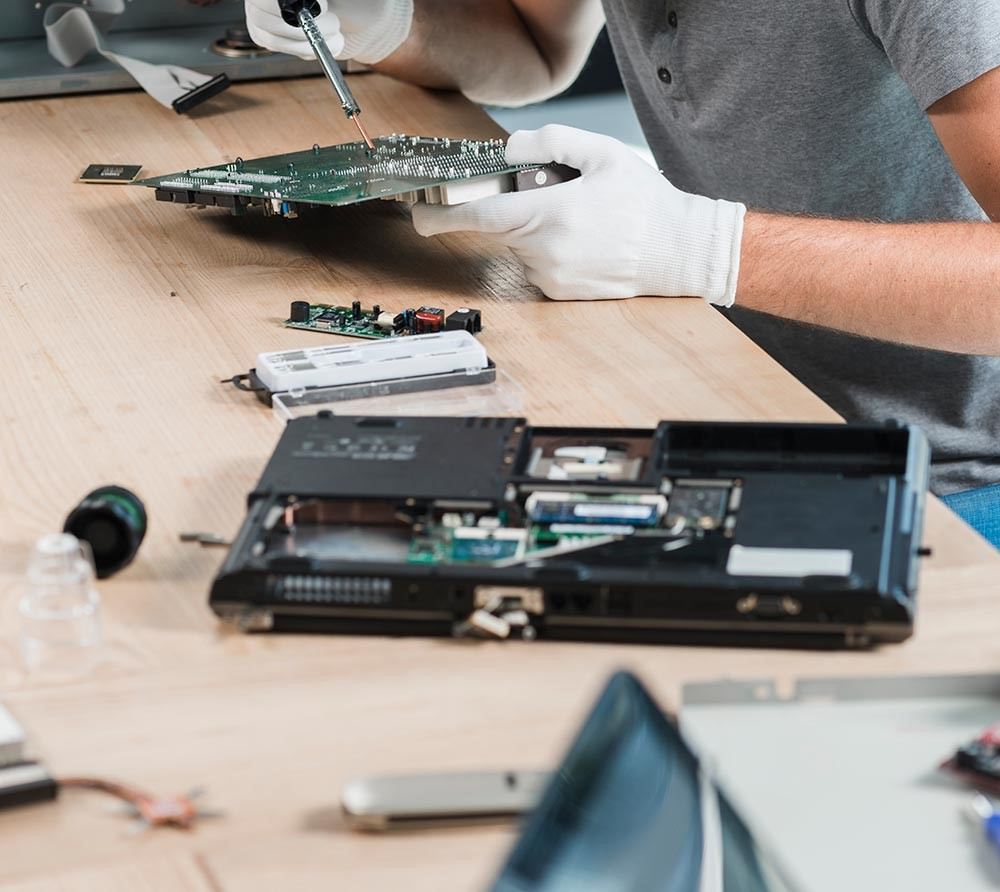
Technicians begin by performing detailed testing to identify the source of failure. Specialized equipment is used to measure voltage, resistance, and signal flow throughout the board.
Component Identification
After locating the faulty area, technicians identify damaged chips, capacitors, resistors, or other components.
Precision Repair
Using microscopes and soldering equipment, damaged components are removed and replaced.
Verification Testing
Following repair, extensive testing confirms that the MacBook operates correctly under normal conditions.
Why Professional Repair Matters
Logic board repair requires advanced technical knowledge and specialized tools. Attempting repairs without proper training can worsen existing damage.
Professional technicians possess experience in:
- Circuit-level diagnostics
- Microsoldering
- Power rail analysis
- Component replacement
- Post-repair testing
These capabilities significantly improve the likelihood of a successful repair.
The Environmental Impact of Repair
Repairing logic boards rather than replacing entire devices contributes to sustainability efforts by reducing electronic waste. Extending the usable life of laptops decreases demand for new manufacturing and helps maximize the value of existing hardware.
Conclusion
MacBook logic board issues can seem intimidating, but many failures are repairable through modern component-level techniques. By understanding common causes, recognizing early warning signs, and seeking professional diagnostic services, users can often restore functionality without replacing their entire device.
As repair technology continues to advance, specialized providers such as Apple Expert play an increasingly important role in helping MacBook owners maintain and extend the lifespan of their devices.


