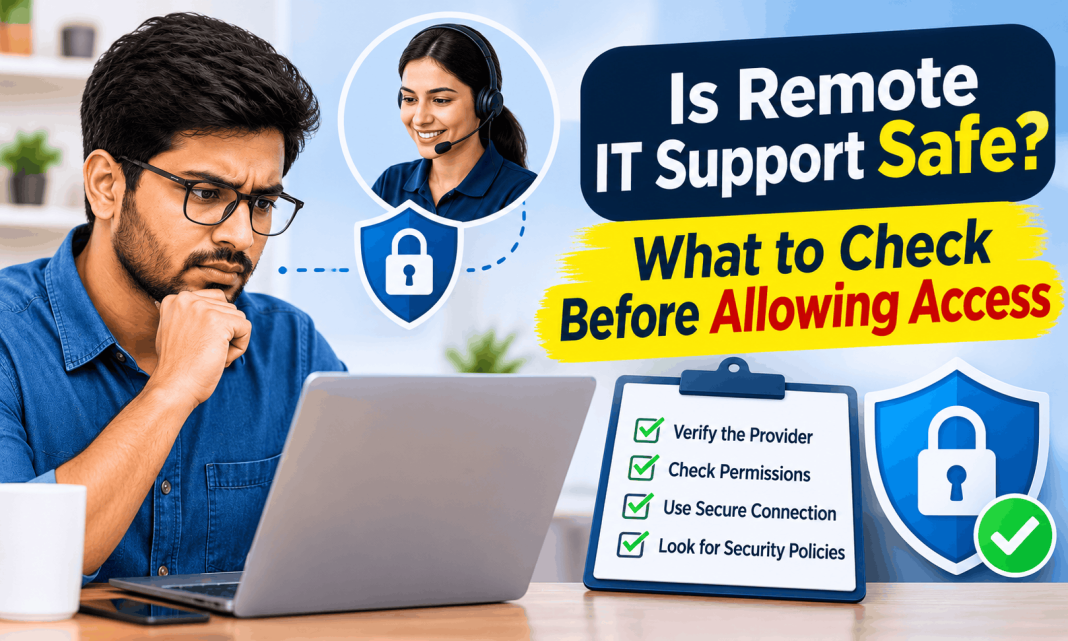

“Connecting to a stranger’s computer is scary,” you might say, and rightly so. A connected technician can view your screen, access your applications, and, in some cases, access your files. When used correctly, remote IT support is an easy and secure way to resolve issues-and something millions of people do every day. When used insecurely, or by a scammer, remote access can lead to stolen passwords and lost money. Here’s a rundown of what remote access is, what makes a session secure, the precautions to take before you grant one, and what comes after.
How Remote Access Actually Works
A remote support session opens a tiny app on your machine. You launch it (generally by providing a one-off code or clicking on a link provided by the provider). The technician connects to that code and you get a message on the screen asking for your permission. Remote support tools typically offer two levels of service: view-only or full control of the mouse and keyboard.
The link should be encrypted. Access should stop when the session ends. No action should be taken unless you approve.
Who Starts the Contact Matters Most
There is one golden safety tip on the internet. Always initiate the contact. When you look up a company, call their number, and request assistance, you have the power. If the unknown calls you, pop up on your screen, or email with something you didn’t report, this is most likely a scam.
Don’t give a person your remote access code if they called you first. No legitimate company will call you and tell you that your computer is infected.
What to Check Before Choosing Remote IT Support
Spend a few seconds before providing a link to the provider.
A legit firm. Check out a website, business address or registered office, and a phone number or email that’s legit.
Transparent pricing. The rate or fee should be disclosed before the work is done.
Reviews by others. Review how-to sites that are not on the company’s pages.
Simple language. A good tech talker explains what they are planning to do in simple words.
No Pressure. You should never feel pressured, worried, or told to keep a secret.
Standard payment practices. Avoid anyone asking for gift cards, cryptocurrency, or wire transfers.
Skip if a provider is unresponsive to these questions.
Safety Features to Look For
Inquire about the following, or look for them on your provider’s website:
Encrypted connection between you and the tech.
One-time code or approval alert for every session.
Multi-factor authentication on technician accounts.
A record of what was done, so there is a record of what has been done.
A visual indicator during operation.
An easy termination method for you to end the session immediately.
How to Prepare Your Device
Slight prep can help your privacy. X out documents, email, banking, or other pages or private photos you don’t wish to display. Save any work you have open, and if the concern involves sensitive accounts, change your passwords afterward.
What to Watch During the Session
Remain seated at your computer, watching the entire time. A capable professional will walk you through what they are doing. You will be able to follow the mouse pointer and ask questions as they occur.
It opens any files that have nothing to do with the issue you’re working on, adds some installation on your device that you didn’t agree to, asks you to access your bank, or requires you to send passwords. Immediately terminate the meeting if you notice any of these by shutting down the remote app. Don’t key in passwords while in a remote location unless totally necessary and trustworthy provider.
What to Do After the Session
What to do after the work is complete: Close the remote tool and uninstall it if it was a one-time tool. Restart the computer and verify the original issue has been resolved. Request a brief note of what was changed.
If you used the same password, change it from another device. Log into your email and bank accounts and look for any suspicious activity over the next couple of days.
What Remote IT Support Cannot Do
It’s good to understand these boundaries. Remote IT support is great for software issues, settings, accounts, downloads, connectivity issues and malware removal. But they can’t repair a broken screen, replace a hard drive, or repair a port. A truthful provider will be upfront about this rather than trying to keep you on a lengthy call.
What to Do If Something Feels Wrong
Disconnect from the internet, take out the remote tool, change your email and bank passwords from a new clean device, and call the bank if money is involved. Report scams at ReportFraud.ftc.gov.
Final Thoughts
Remote access isn’t safe or unsafe by itself. It’s safe or unsafe by the partner you work with and whether you follow procedures. Initiate contact, verify the vendor, follow each step carefully, and terminate the session once your task is complete. Use these practices and remote IT support can save time and not compromise your data.