
Digital graphics are an important part of modern communication, website design, advertising, and professional printing. From business logos and illustrations to product packaging and promotional materials, image quality plays an essential role in creating professional designs.
Choosing the correct image format helps maintain visual quality and ensures that graphics work properly across different platforms. This is where understanding the vector file extension becomes important.
A vector file uses mathematical calculations, points, lines, curves, and geometric shapes to create digital artwork. Unlike traditional images made from pixels, vector graphics can be resized without losing their original sharpness.
This makes them suitable for projects that require different image sizes and consistent quality. Understanding vector file formats can help designers, website developers, printing professionals, and beginners select the right format for their projects.
What Is a Vector File Extension?
A vector file extension identifies the format used to save digital vector artwork. It indicates how graphic information is stored and helps compatible software determine how to open, display, or edit the file.
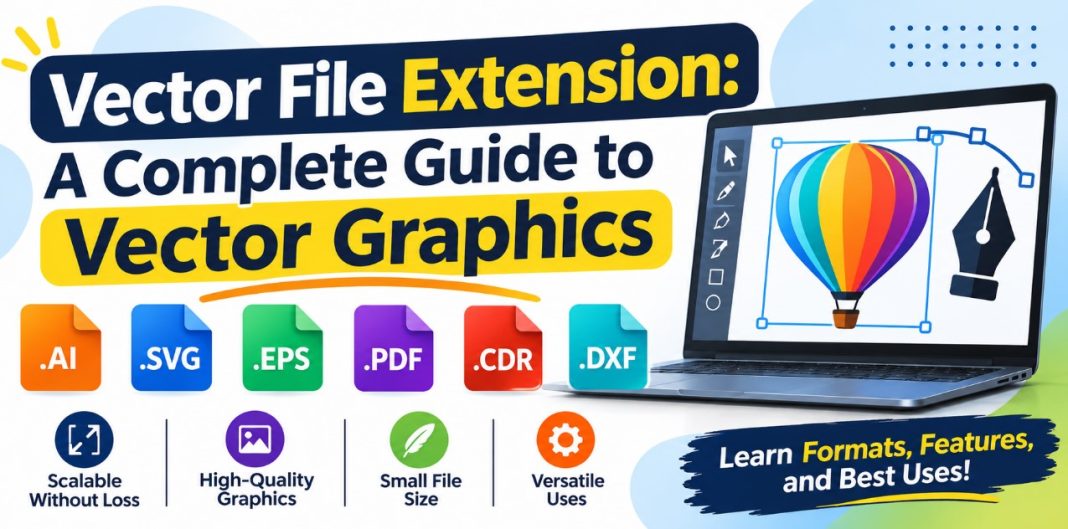
Some commonly used vector file extensions include SVG, AI, EPS, PDF, and CDR. Each format has different features, compatibility requirements, and practical applications.
For example, a vector logo can be used on a small business card or enlarged for a large advertising banner without becoming blurry. This flexibility makes vector files particularly useful for professional design and printing projects.
Another important feature of vector graphics is that individual elements can often be edited separately. Designers can adjust shapes, change colors, modify paths, and reposition objects without recreating the entire design.
Common Types of Vector File Extensions
Different vector file extensions are designed to support specific creative and technical requirements. Understanding their characteristics makes it easier to choose an appropriate format.
1. SVG (Scalable Vector Graphics)
SVG is a widely used vector graphics format designed primarily for digital applications and websites. It uses XML based code to describe shapes, paths, colors, and other graphical elements.
SVG files are resolution independent, meaning they can be resized without losing image quality. They are commonly used for website icons, illustrations, diagrams, logos, and interface graphics.
Another advantage is that SVG files can be displayed directly in modern web browsers. Their text based structure also makes them useful for certain web development applications.
2. AI (Editable Vector Artwork)
AI is a vector file format associated with professional illustration and graphic design software. It is commonly used for creating detailed illustrations, typography, logos, packaging artwork, and other creative projects.
One of its main advantages is the ability to preserve editable design elements. These may include paths, shapes, layers, text, and various visual effects.
AI files are particularly useful when a project requires regular editing or future revisions. However, full compatibility with advanced features depends on the software used to open the file.
3. EPS (Encapsulated PostScript)
EPS is an established graphics format frequently used in professional printing and publishing. It can contain vector artwork, text, and embedded raster images.
This format is useful for sharing illustrations, logos, and other artwork between different design and printing environments.
EPS files are valued for their compatibility with many traditional printing workflows. However, they have limitations compared with newer formats, particularly when working with interactive graphics and advanced digital features.
4. PDF (Portable Document Format)
PDF is commonly associated with digital documents, but it can also preserve vector artwork. It is frequently used to distribute illustrations, technical diagrams, brochures, and print ready designs.
A PDF containing vector elements can maintain sharp lines and clear text when enlarged or printed. It is also convenient for sharing completed projects because many devices and applications support PDF viewing.
It is important to remember that not every PDF contains vector graphics. Some documents contain only raster images, while others combine vector and raster elements.
5. CDR (CorelDRAW File Format)
CDR is a vector file format used for creating and editing graphic artwork. It supports objects such as shapes, curves, text, and other design elements.
CDR files are commonly associated with signage, advertising materials, illustrations, and commercial printing projects.
The format is particularly useful when designers need to preserve editable artwork for future modifications. Opening and editing these files generally requires compatible graphic design software.
How to Choose Right Vector File Extension
Choosing the correct vector file extension depends on the intended use of your artwork.
For website graphics and digital illustrations, SVG is often a practical choice because of its browser compatibility and scalability. For projects that require detailed editing, an editable vector format is more appropriate.
PDF is useful for sharing completed artwork and preparing documents for printing. EPS can be suitable for certain traditional printing workflows, while CDR is useful when working with compatible vector editing applications.
It is also recommended to save an editable version of important designs and export additional formats according to the requirements of the project. This helps preserve the original artwork and makes future modifications easier.
Frequently Asked Questions (FAQs)
1. What is most common vector file extension?
SVG is one of the most widely used vector file extensions, particularly for websites and digital graphics. Other common formats include AI, EPS, PDF, and CDR. The most appropriate option depends on the intended application.
2. Can vector files be converted into JPG or PNG?
Yes. Vector files can be exported or converted into raster formats such as JPG and PNG. However, the resulting image will have fixed pixel dimensions and may lose the scalability of the original vector artwork.
3. Are vector files better than raster images?
Neither format is universally better. Vector files are suitable for logos, icons, illustrations, and graphics that require resizing. Raster images are generally more appropriate for photographs and realistic digital artwork.
4. Can I open a vector file without professional software?
Yes. Several free applications and modern web browsers can open certain vector formats. SVG files are particularly accessible because most modern browsers support them. Other formats may require compatible desktop software.
Conclusion
Understanding the vector file extension is important for anyone working with digital graphics, website design, illustration, or professional printing. Formats such as SVG, AI, EPS, PDF, and CDR provide different ways to create, store, edit, and distribute scalable artwork.
Each format has its own advantages, compatibility requirements, and practical applications. Selecting the right option depends on the type of design, editing requirements, and final output. By understanding the differences between vector and raster graphics and choosing suitable file formats, users can maintain image quality, simplify editing, and create designs that work effectively across different digital and print environments.